Loveability
An accessibility-focused dating app designed to give users more control over how they engage and present themselves.
This is Loveability, a 0→1 product design rooted in dating and accessibility.
I was the lead designer and researcher. It's an accessibility-focused dating app designed to give users more control over how they engage and present themselves.
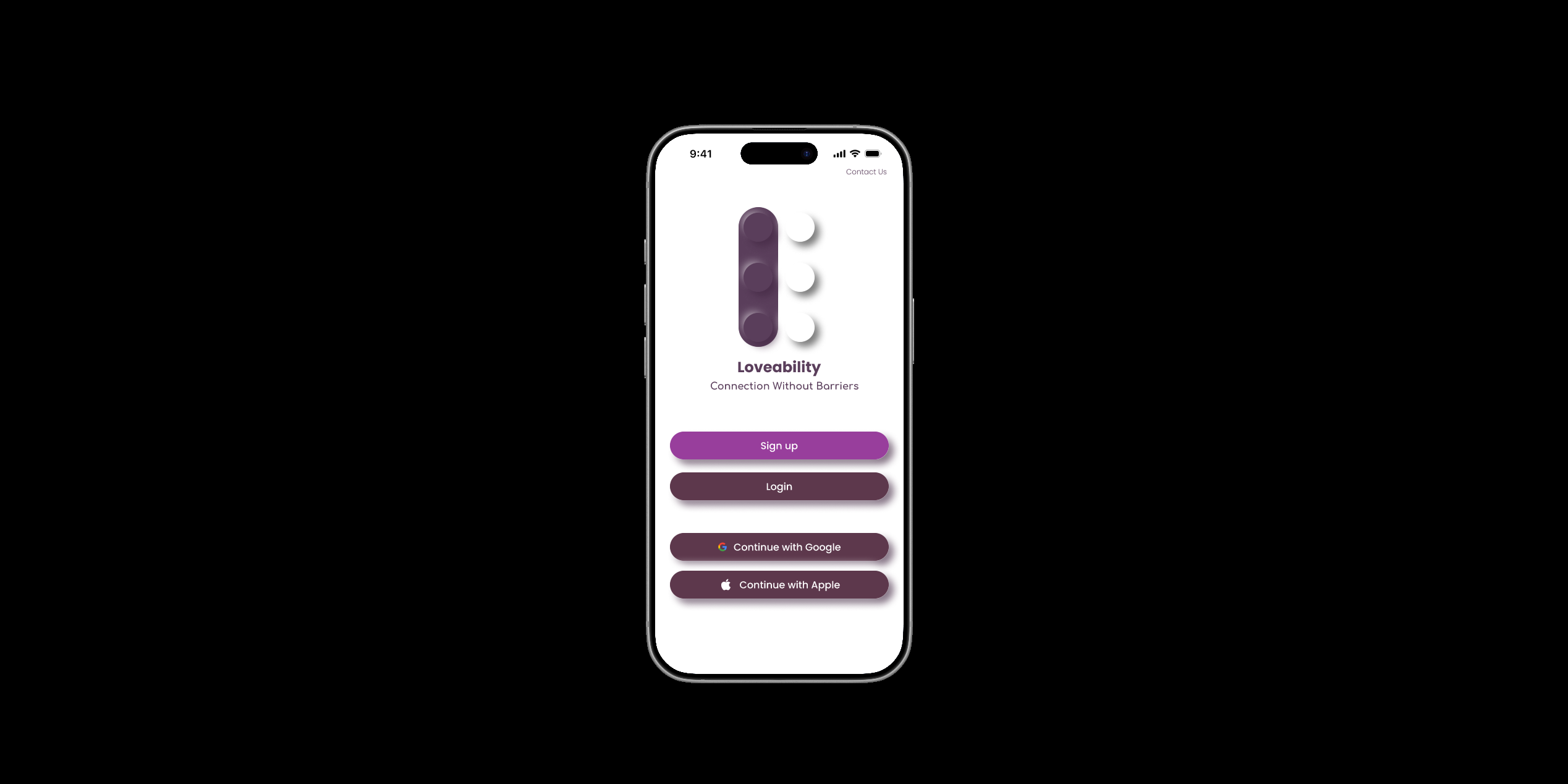
Most dating apps are built to move fast.
That works for swiping, but it breaks down during onboarding.
Users with disabilities are often pushed to decide whether or not to disclose something personal before they even understand how the app works. Accessibility features are either hidden or not there at all.
Because of that, users hesitate early. They're being asked to make decisions without context, which makes the experience feel like it wasn't built for them.
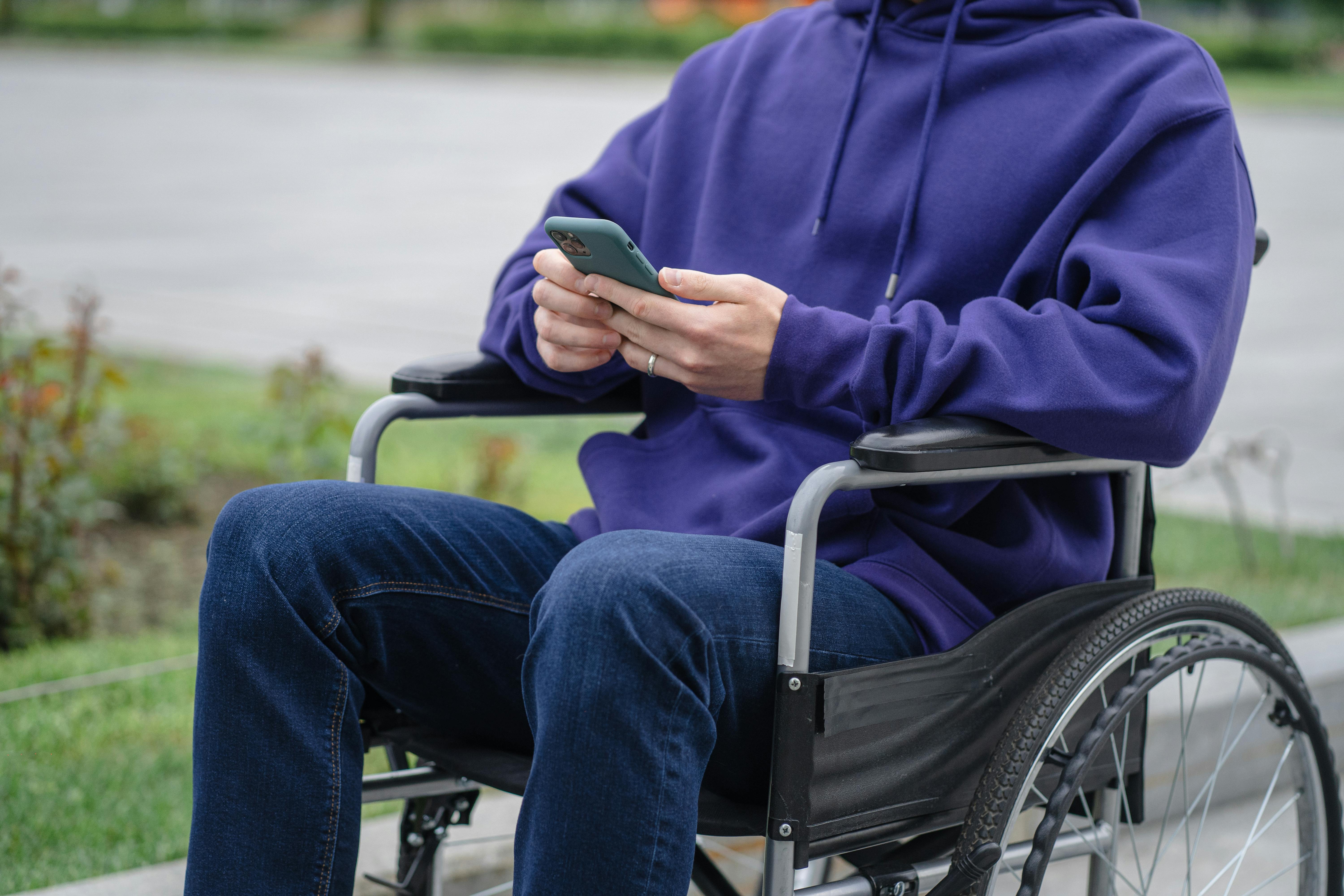
This problem exists across most modern dating platforms.
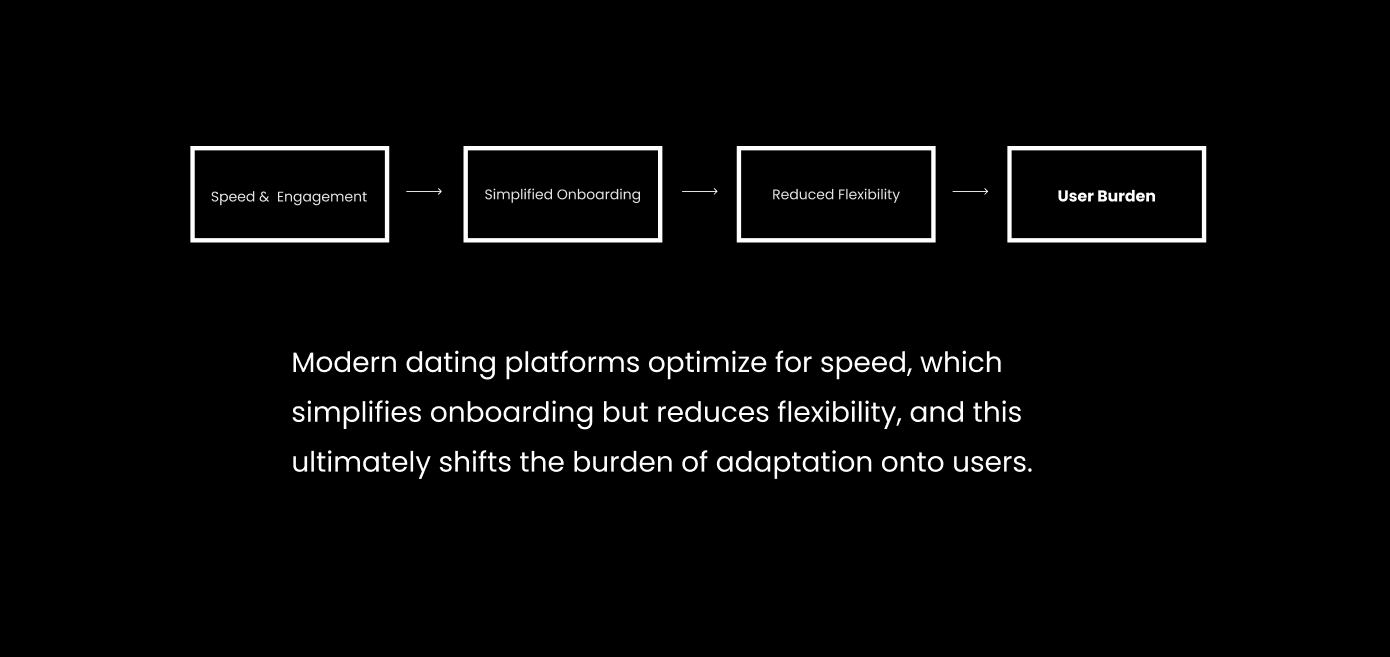
Speed and simplicity are prioritized, which works for engagement but leaves very little room for flexibility.
For users with disabilities, that means figuring things out on their own or making decisions about how to present themselves without the right tools to do it comfortably.
The issue isn't that onboarding is too long.
It's that users don't know how the app will work for them yet.
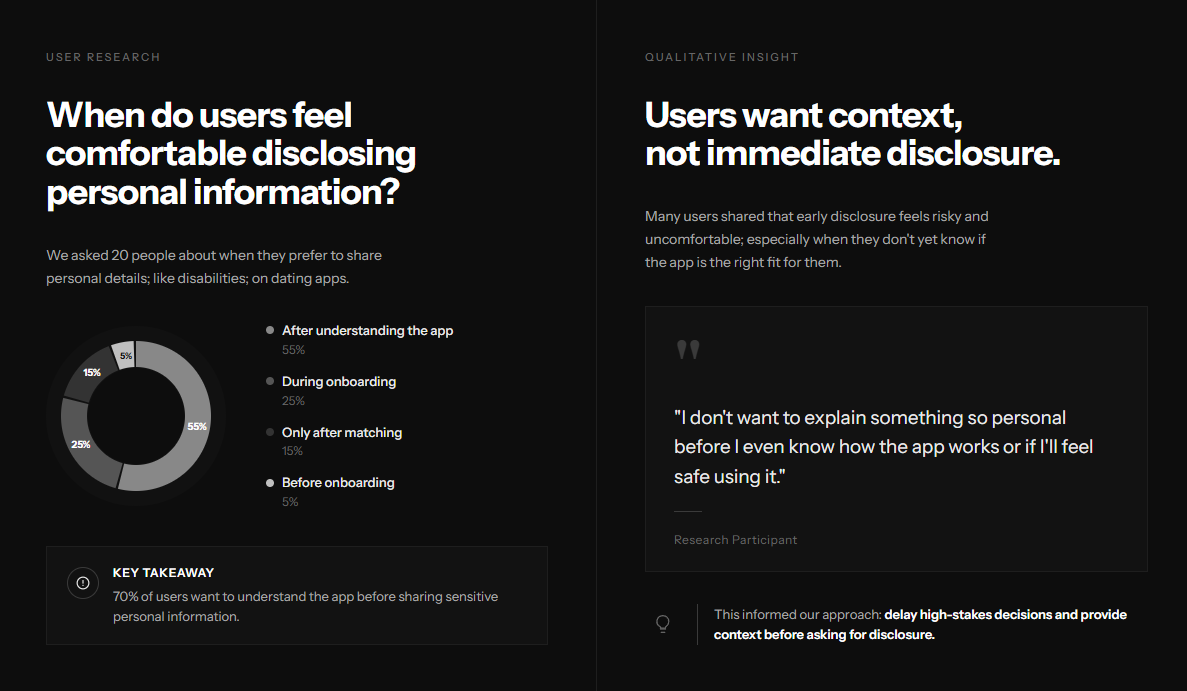
I restructured onboarding to surface accessibility earlier and give users more control.
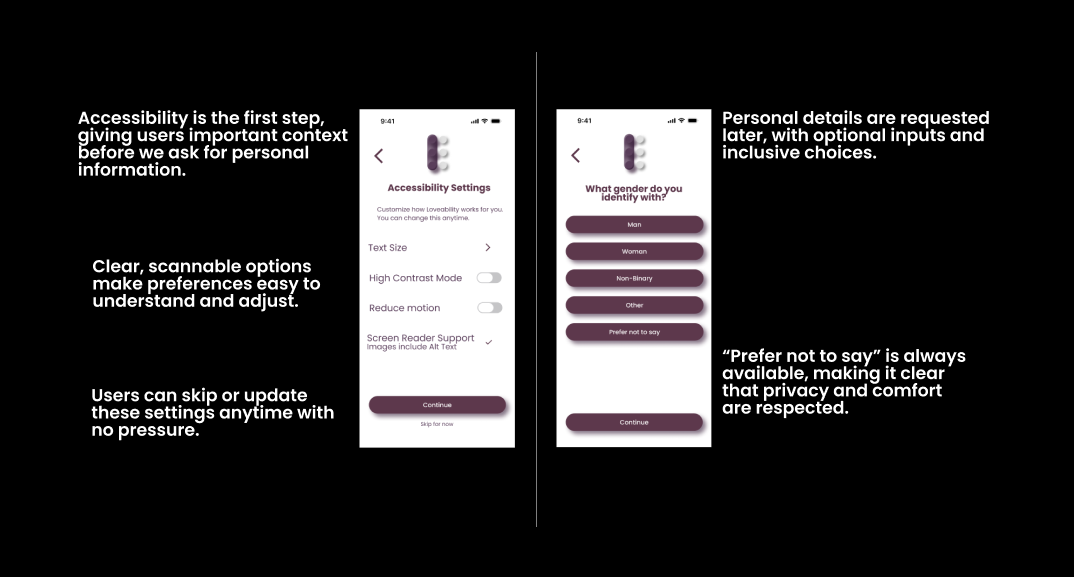
Try it yourself.
Click through the prototype below to experience the onboarding flow firsthand.
Figma prototype — click to interact
Users don't have to guess how the app works anymore.
Instead of making a decision under pressure, they move through onboarding with a clearer understanding of what to expect.
Users move through onboarding with fewer pauses and less hesitation.
They can decide if the app works for them after seeing how it supports their needs, not before.
Moving one part of the flow earlier changed how users understood the entire experience.
Next, I'd explore how accessibility preferences evolve over time and how users adjust them after onboarding.